
About Metallic Ink on Coated Stock
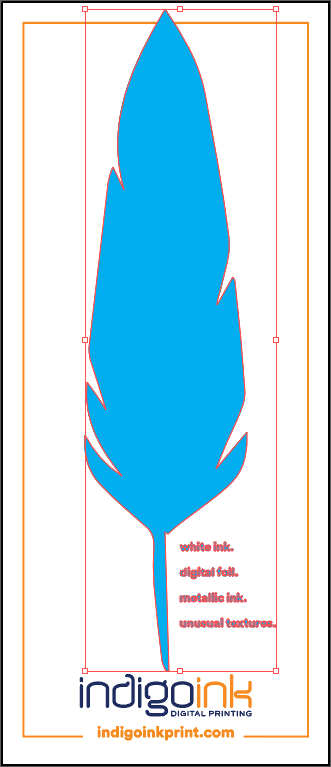
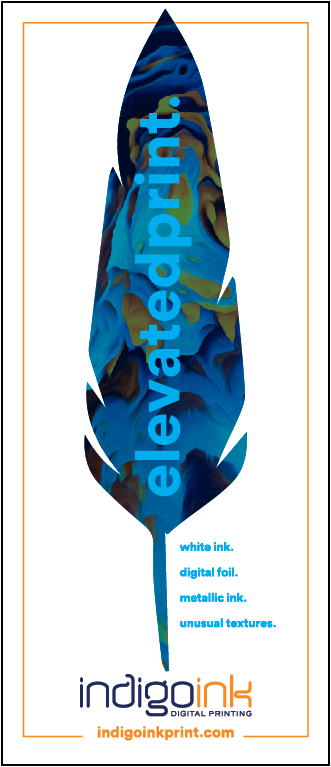
HP Metallic ink creates a silver shimmer effect that adds visual depth to printed artwork. On coated paper, the metallic particles lay flat against the smooth surface, maximizing reflectivity and producing a consistent, elegant metallic sheen throughout the design.
When CMYK process colors are printed over the metallic base layer, they interact with the shimmer to create rich, iridescent effects. The transparent nature of CMYK inks allows the metallic to show through, transforming standard colors into luminous, eye-catching metallic hues.
Best Practices
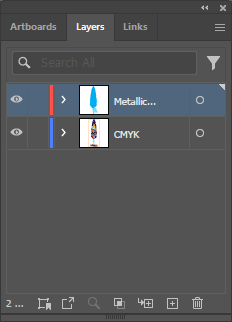
- Layer order is critical: Metallic ink prints first as the base layer, then CMYK overprints on top. In Illustrator's Layers panel, metallic should be above CMYK (top = prints first).
- Overprint settings: HP Metallic must be set to overprint to ensure proper layering with the CMYK artwork above.
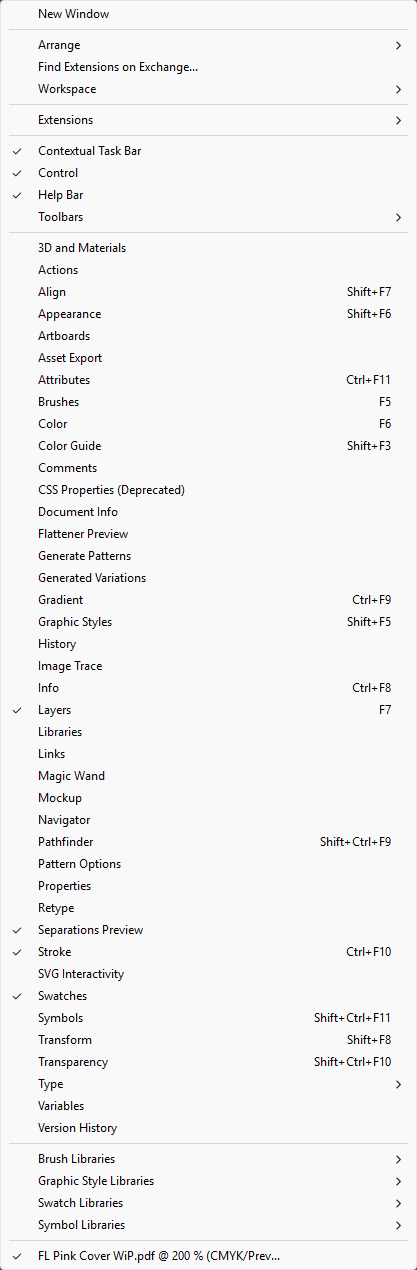
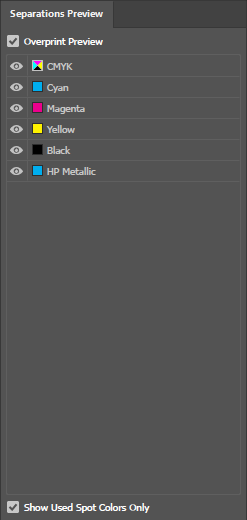
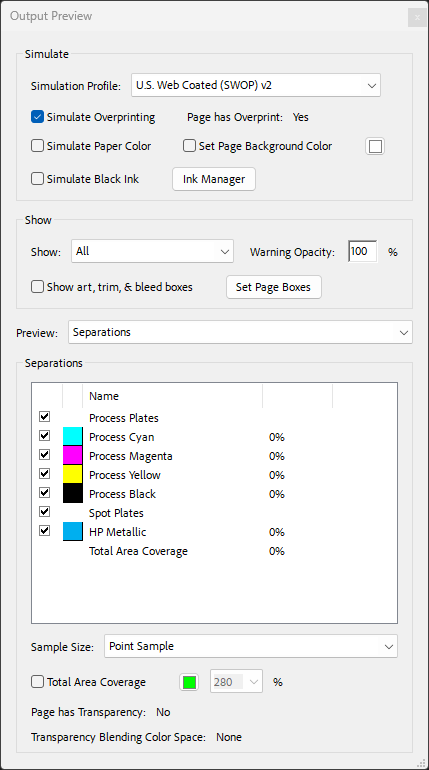
- Verify with Overprint Preview: Always enable Overprint Preview (View menu) to see how the final print will look before exporting.
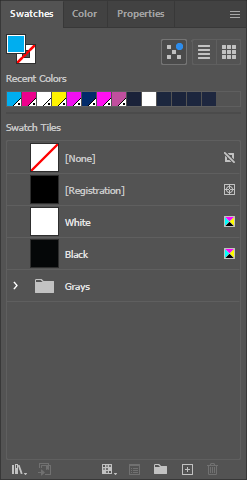
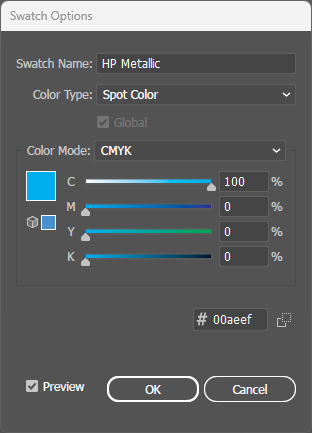
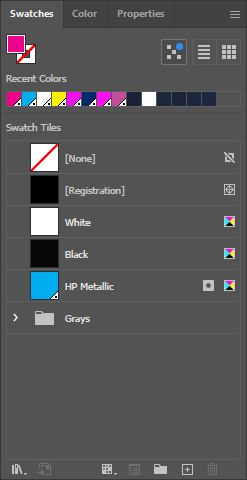
- File setup: Create metallic areas as a spot color named exactly "HP Metallic" - CMYK colors use standard process colors.