

About Red Foil + White Ink
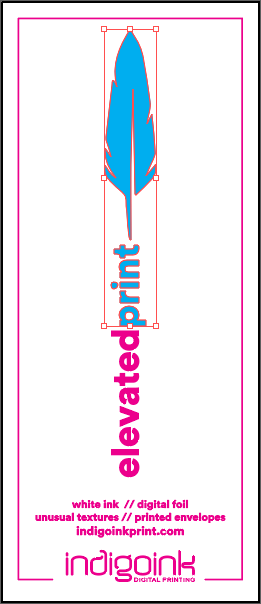
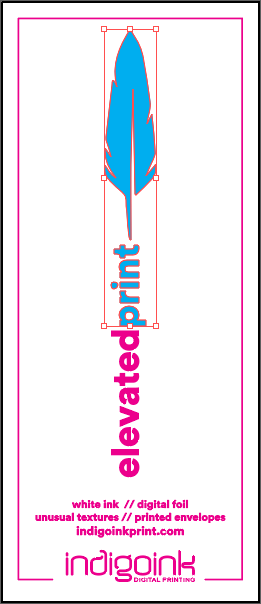
This sample showcases the most complex layer combination in the Feather series, demonstrating how multiple specialty printing techniques can work together. The black ink flood creates a rich, deep background that makes the metallic red foil truly pop with dramatic contrast.
Soft touch lamination applied between the base layers and the specialty inks provides a premium tactile experience while protecting the print. The white ink enables crisp, opaque text and details that would otherwise be invisible on the dark background.
Best Practices
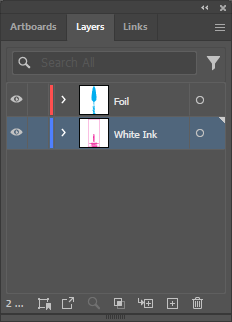
- Layer order is critical: The print order (substrate, black flood, lamination, foil, white ink) must be followed precisely for proper results.
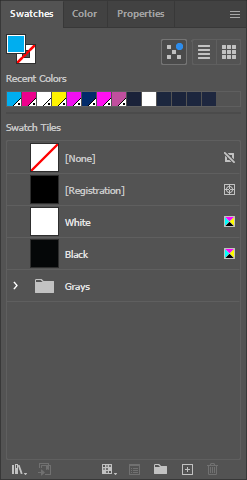
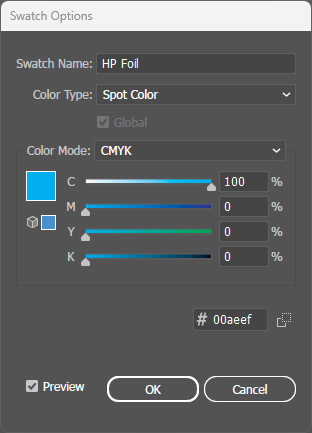
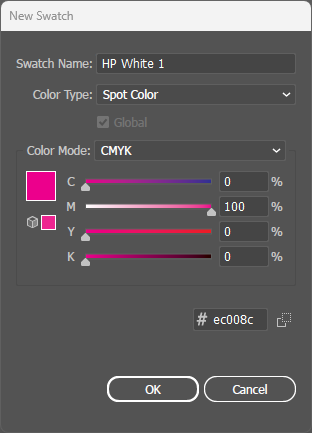
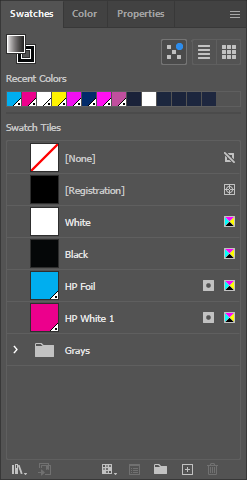
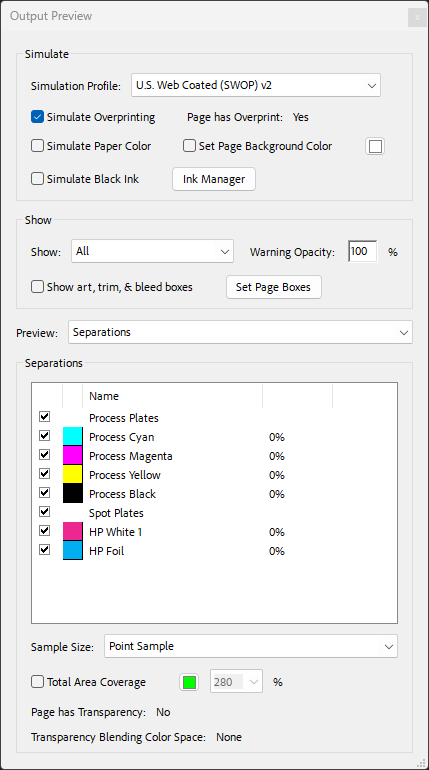
- Two spot colors required: Both HP Foil and HP White 1 must be set up as separate spot colors in your file.
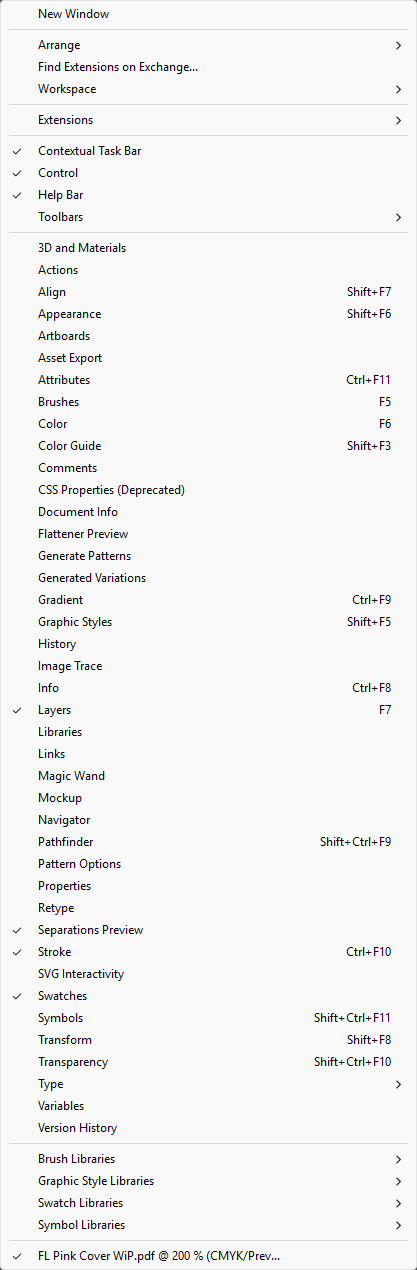
- Overprint both: Critical! Both HP Foil AND HP White 1 must have Overprint Fill enabled in the Attributes panel.
- Verify in PDF: Use Acrobat's Output Preview to confirm both spot colors appear in the Separations list before sending to print.
File Setup
Digital Sleeking Foil Colors
Click any swatch to see a detailed sample. Our digital sleeking foil adheres to HP Indigo toner, enabling custom foil designs without costly engraved plates.